

How to Create Songs Online: Step-by-Step Guide for Beginners (2026)
You don't need a recording studio, a music degree, or expensive equipment to make your own music anymore. Today, anyone can create songs online — in minutes, from a browser, completely free. Whether you want to produce a track for fun, make a gift for someone special, or start your music career, AI-powered tools have completely changed the game.
This guide walks you through every step of the process, from writing lyrics to adding vocals to sharing your finished track. Let's dive in.
Why Create Songs Online?

Not long ago, making a professional-sounding song meant booking studio time (easily $50–$200/hour), hiring musicians, and having years of music theory under your belt. The barrier to entry was enormous.
Online song creation flips all of that on its head:
- Cost: Most AI music tools offer free tiers. You can create songs online for free without spending a cent.
- Time: A full track can go from idea to finished product in under 10 minutes.
- Skill: You don't need to know how to play an instrument or read sheet music.
- Flexibility: Work from your phone, tablet, or laptop — anywhere, anytime.
If you want to dig deeper into the fundamentals before jumping in, check out our guide on how to make a song from scratch. But if you're ready to jump straight into AI-powered creation, keep reading.
Step 1: Write Your Lyrics (or Let AI Do It)
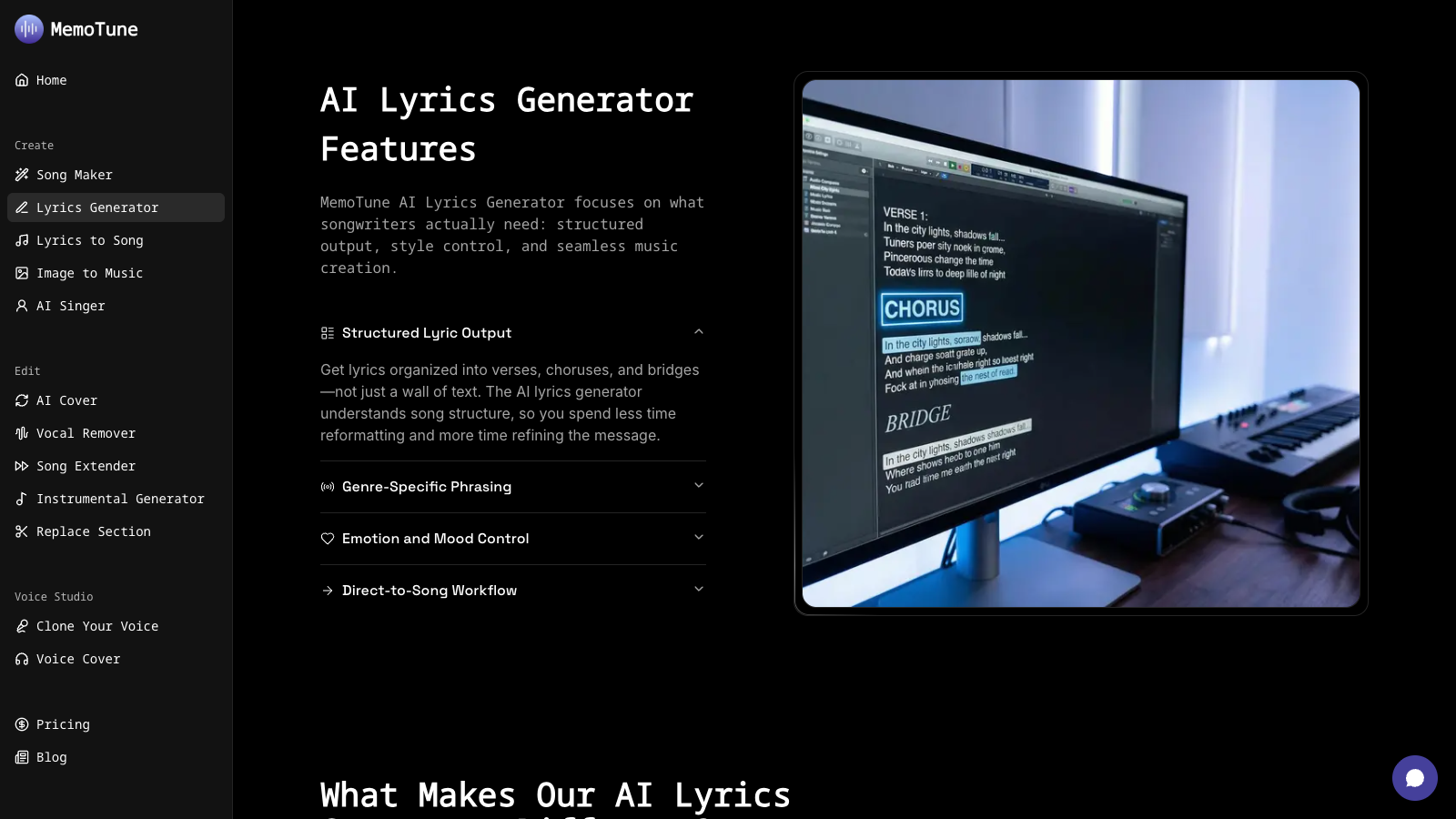
Every song starts with something to say. Your lyrics are the soul of the track — they tell a story, express an emotion, or capture a moment.
If you already have words in mind, great. Jot them down, organize them into verses and a chorus, and you're ready for the next step.
If you're stuck or just starting out, let AI handle the hard part. MemoTune's AI Lyrics Generator can generate complete, ready-to-sing lyrics from a simple prompt. Just describe the mood, topic, or story you want — "a hopeful love song about starting over" — and it produces structured lyrics with verses, a chorus, and a bridge.
Want tips on writing lyrics yourself before you use AI as a helper? Our post on how to write lyrics breaks down rhyme schemes, song structure, and storytelling techniques for complete beginners.
Once your lyrics are ready, save them — you'll feed them into the song generator in the next step.
Step 2: Choose a Music Style
The genre you pick shapes everything: the instruments, the tempo, the mood, the audience. This is one of the most fun parts of how to create songs online, because you can experiment freely.
Here's a quick overview of popular styles and when to use them:
- Lo-Fi — Mellow, slightly nostalgic beats with soft textures. Perfect for studying, relaxing, or background music.
- EDM — High-energy electronic dance music with powerful drops. Great for energetic content or party vibes.
- Hip-Hop — Rhythm-driven beats with space for storytelling and personality. One of the most versatile styles.
- Rap — Fast-paced lyrical delivery over punchy beats. Ideal when your lyrics have a lot to say.
- Country — Warm, acoustic-driven sound with emotional storytelling at its core.
- Jazz — Sophisticated, improvisation-inspired arrangements. Works beautifully for elegant or atmospheric tracks.
- K-Pop — Polished, catchy, production-heavy pop with a Korean music influence. Energetic and highly produced.
- Metal — Heavy guitars, aggressive rhythms, and intense energy. Perfect for powerful, dramatic tracks.
Don't feel locked in. You can also blend styles — a lo-fi hip-hop track, for example, or country with a modern pop production. MemoTune lets you specify style parameters when you generate your song, so feel free to experiment.
Not sure which style fits you? We'll come back to this in the "What Style Should You Create?" section below.
Step 3: Generate Your Song with AI
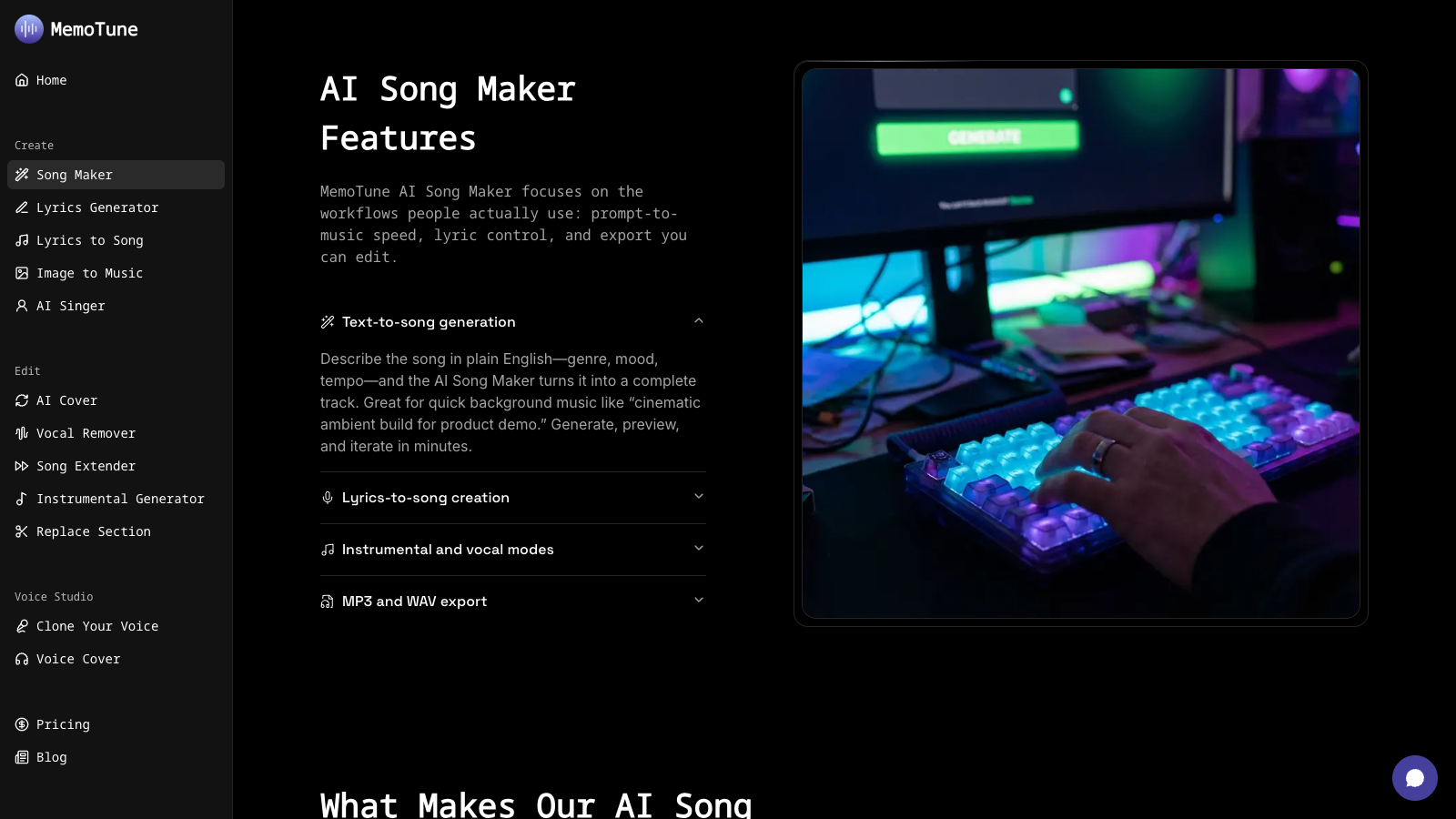
This is where the magic happens. With your lyrics and style chosen, head to MemoTune's AI Song Maker — the core tool for turning your ideas into a full musical track.
Here's how the process works:
- Paste your lyrics into the input field (or use the generated lyrics from Step 1)
- Select your music style — choose from the preset genres or describe a custom style
- Set the mood and tempo — upbeat, melancholic, slow, intense, dreamy
- Hit generate — the AI composes original music that matches your inputs
- Preview your track — listen in real time and regenerate if needed
The whole process takes under a minute. You'll have a full song — with melody, instrumentation, and your lyrics — ready to listen to.
MemoTune's song generation engine is built for beginners but powerful enough for experienced creators. It handles chord progressions, arrangement, mixing, and mastering automatically, so you get a polished result without touching any production software.
If you want to compare MemoTune with other options, our breakdown of the best AI music generators in 2026 covers the top tools side by side.
Step 4: Add or Change Vocals
Instrumentals are great, but most songs need a voice. This step is about getting the right vocals on your track — whether that's a realistic AI singer or a custom voice that matches your vision.
MemoTune gives you two powerful options:
Option A: Use the AI Singer
The AI Singer tool applies a virtual vocalist to your generated track. You can choose from different voice types — male, female, different tones and styles — and the AI will sing your lyrics with natural phrasing and pitch.
Option B: Generate a Custom Singing Voice
Want something more specific? The AI Singing Voice Generator lets you create a unique voice profile tailored to your song's style and emotional tone. This is ideal when you want a voice that sounds distinct — not like a generic preset.
Both tools are designed to work directly with the song you created in Step 3. The vocals are automatically synced to your music, so you don't need to manually adjust timing.
Already have vocals recorded? You can also use MemoTune's tools to transform existing voice recordings — useful if you want to use your own voice but with AI enhancement or a different timbre.
Step 5: Remix, Cover, or Extend Your Track
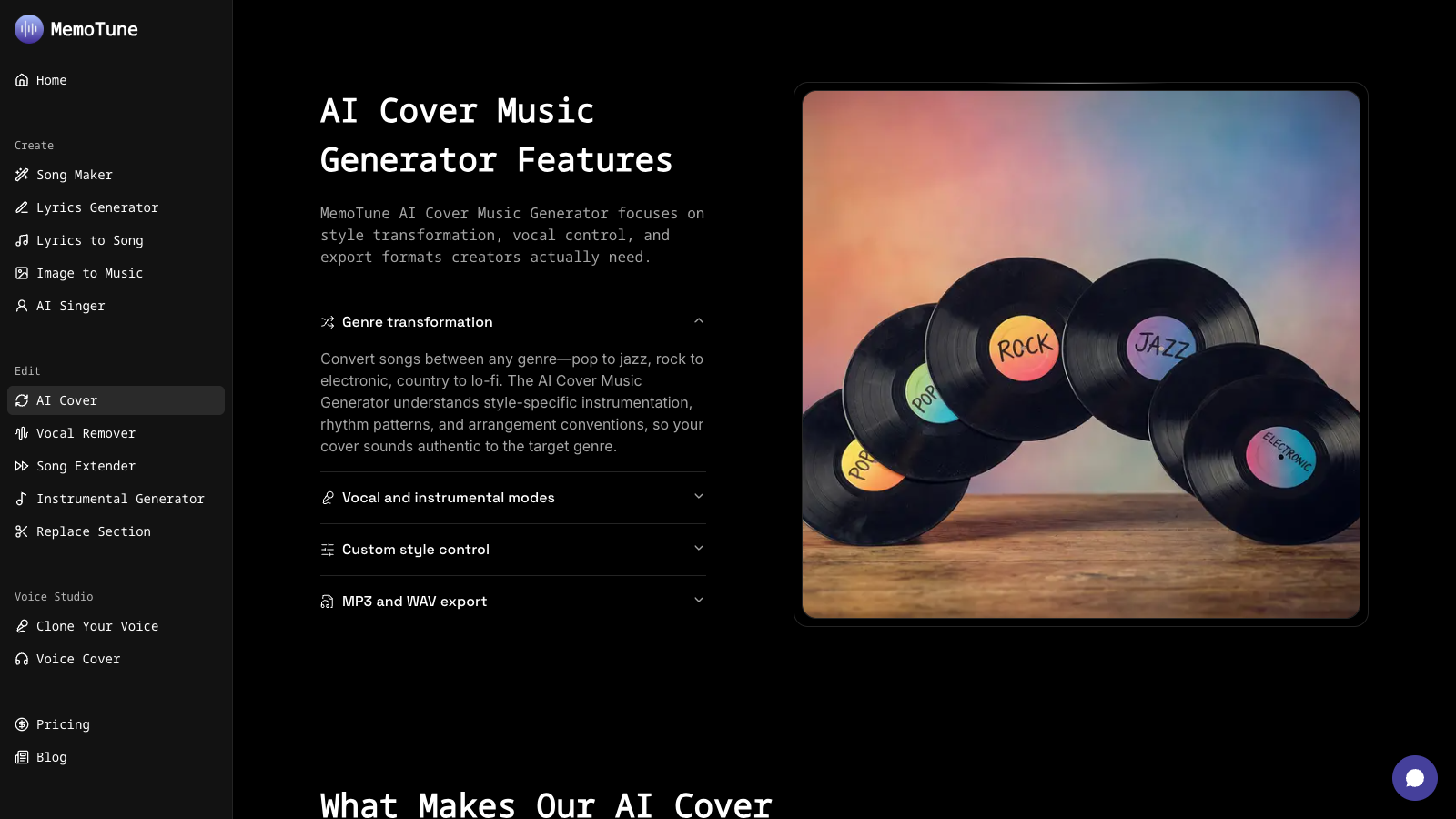
Once you've got a base song you like, there's a whole world of creative options available to push it further. This is where create songs online transforms from simple generation into real music production.
Make a Cover Version
Want to put your own spin on a song you love? MemoTune's AI Cover tool lets you reimagine existing tracks in different styles or with different vocals. Pair it with the AI Voice Cover feature to completely transform how a song sounds — same melody, totally different vibe.
Extend the Song
Generated a great 30-second clip but want a full 3-minute track? The AI Song Extender analyzes your existing music and generates seamless continuation — adding verses, bridges, or outros that feel like a natural part of the original.
Replace the Background Music
If your vocals are perfect but the instrumentation isn't quite right, AI Music Replace lets you swap out the backing track entirely while keeping your vocals intact. It's like re-recording the music underneath your performance.
Remove or Isolate Vocals
Working with existing songs or audio you've recorded? The AI Vocal Remover separates vocals from instrumentals cleanly — useful for creating karaoke tracks, remixing, or extracting stems for editing.
For a deep dive on turning your lyrics into finished productions, check out our guide on how to turn lyrics into a song with AI.
Step 6: Download, Share, or Publish
Your song is finished. Now what?
Download your track: MemoTune lets you download your completed song as an audio file. Free users can download in standard quality; premium plans unlock higher-quality exports.
Share it directly: Generate a shareable link and post it to social media, send it to friends, or embed it on your website.
Commercial use: If you're creating music for monetized videos, podcasts, games, client work, or products you sell, the track must be generated during an active MemoTune Premium subscription. Free, Basic, and Creator are for personal, non-commercial use, and platform policies still apply.
Post to streaming platforms: With the right plan, you can distribute your AI-created music to Spotify, Apple Music, and other platforms — just like any independent artist would.
MemoTune's AI Music Toolkit
MemoTune is an all-in-one platform. Here's a quick overview of every tool available to you:
- AI Song Maker — The core engine: turn lyrics + style into a complete, polished song in seconds.
- AI Lyrics Generator — Generate ready-to-sing lyrics from a simple text prompt, with proper song structure.
- AI Singer — Apply a realistic AI vocal performance to any generated track with multiple voice styles.
- AI Singing Voice Generator — Create a custom AI voice profile matched to your specific song style and tone.
- AI Cover — Reimagine any song in a new style, genre, or with different vocals instantly.
- AI Song Extender — Extend short clips into full-length tracks with AI-generated continuations.
- AI Vocal Remover — Cleanly separate vocals and instrumentals for remixing, covers, or karaoke use.
All seven tools are available on MemoTune's free tier — no credit card required to start.
What Style Should You Create?

Not sure which genre fits your project? Here's a quick guide based on your use case:
For studying or background listening → Lo-Fi. Soft, unhurried, and easy on the ears — lo-fi is the go-to genre for focus and relaxation. Our post on what is lo-fi music explains why it works so well.
For parties, workouts, or high-energy content → EDM. Nothing drives energy like a well-built electronic track with a powerful drop.
For emotional storytelling or acoustic vibes → Country. Country's strength is its heart. If your lyrics tell a personal story, this genre gives them room to breathe.
For lyric-heavy tracks and street credibility → Hip-Hop or Rap. Both genres put the words front and center — ideal when what you say matters as much as how it sounds.
For elegant, cinematic, or sophisticated vibes → Jazz. Jazz adds sophistication and atmosphere to any project, from short films to lounge playlists.
For K-Pop fans or polished pop productions → K-Pop. Expect tight production, catchy hooks, and a sound that feels contemporary and global.
For intense, powerful, or dramatic music → Metal. When you want impact and raw energy, metal delivers every time.
You can also mix and match. Try lo-fi hip-hop for a chill study playlist, or jazz-influenced pop for something a little unexpected. The create songs online experience is most rewarding when you experiment freely.
Frequently Asked Questions
Can I really create songs online for free? Yes. MemoTune offers a free tier that gives you access to the AI Song Maker, Lyrics Generator, and other core tools without any payment. Free accounts include a set number of generations per month.
Do I need music experience to use these tools? Not at all. MemoTune is designed specifically for beginners. You don't need to know music theory, play an instrument, or understand audio production. Just describe what you want and the AI does the rest.
Who owns the songs I create? Usage follows the plan license attached when the song is generated. Free, Basic, and Creator are for personal, non-commercial use. Commercial selling, licensing, or publishing requires a song generated during an active Premium subscription.
How long does it take to make a song? From start to finish, a basic song can be created in under 5 minutes. More detailed productions — with custom vocals, extensions, and remixes — might take 15–20 minutes, but it's still dramatically faster than traditional recording.
Can I use my own voice in the songs? Yes. MemoTune's AI Voice Cover and vocal tools support uploading your own voice recordings, which you can then blend with AI-generated music.
Is MemoTune better than Suno or Udio? MemoTune offers a more complete toolkit — not just song generation but also lyrics, vocal tools, song extending, and more in one place. For a detailed comparison, see our Suno alternatives breakdown.
Start Creating Your Song Now
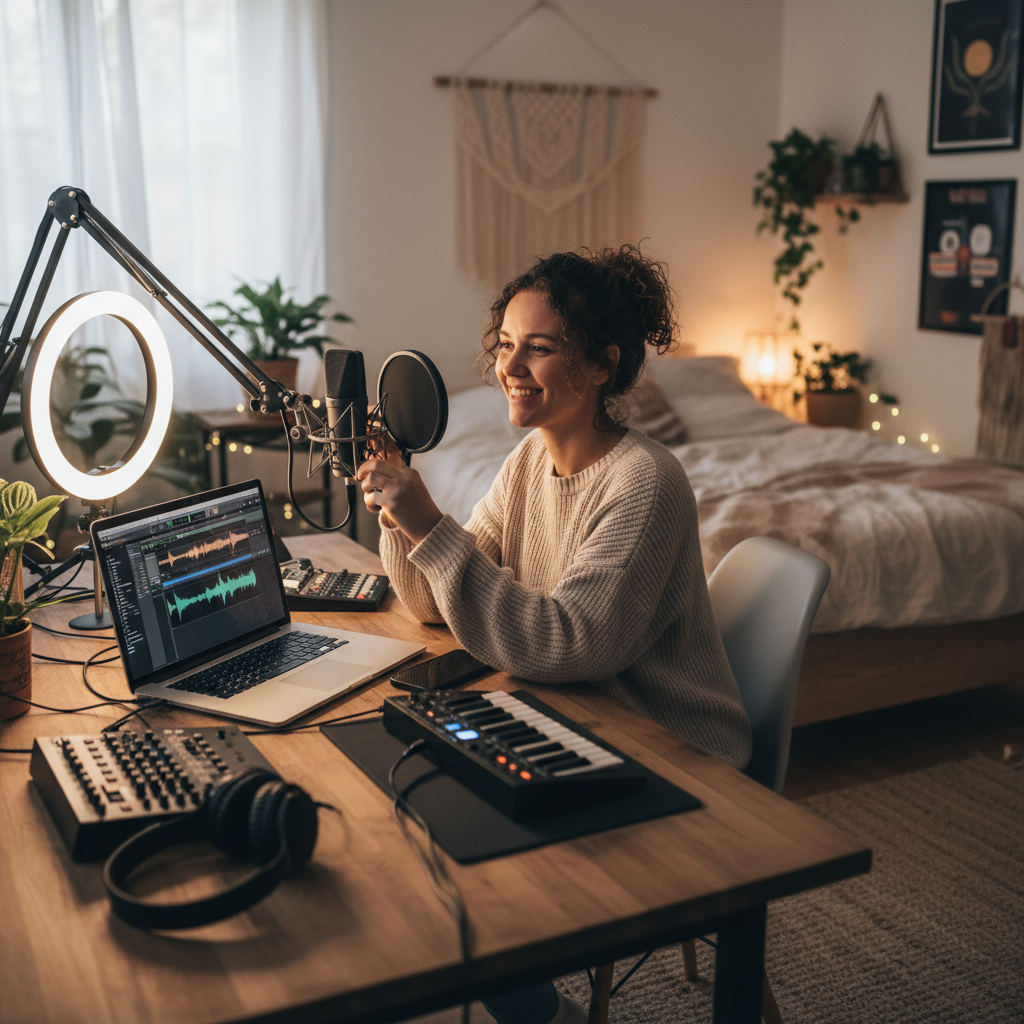
You've got everything you need. A song idea, an AI toolkit, and a step-by-step process that works for complete beginners.
Here's the short version: write your lyrics (or generate them), pick a style, generate your track, add vocals, remix or extend if needed, and download your finished song.
The only thing left is to actually make it.
Head to MemoTune's AI Song Maker and create your first song — free, no sign-up required to try.
Last updated: March 2026
Table of Contents
Author

Categories
Tags
More Posts

How to Make a Rap Song: History, Structure & AI Guide
Learn how to make a rap song from scratch — covering rap history, beat structure, music theory, and how to use AI to generate your own rap tracks instantly.

How to Make a Song from Scratch: Step-by-Step Guide for Beginners
Learn how to make a song from scratch with this beginner-friendly step-by-step guide. No music skills needed — discover how AI tools make songwriting easier than ever.

How to Turn Lyrics into a Song with AI (+ 12 Style Templates)
Learn how to transform your lyrics into a complete song using AI music generation, plus 12 copy-paste style templates for different genres.
Newsletter
Join the community
Subscribe to our newsletter for the latest news and updates