

How to Make a Song from Scratch: Step-by-Step Guide for Beginners
Table of Contents
- You don't need expensive gear or music training to make a song — just a concept, some lyrics, and the right tools.
- AI tools like MemoTune let you generate melodies, beats, and even vocals in minutes.
- A great song follows a clear structure: verse, chorus, and bridge — each serving a distinct emotional purpose.
- From writing your first line to uploading to Spotify, the entire process can happen in a single afternoon.
What You Need to Make a Song (No Experience Required)
Making a song from scratch sounds intimidating, but the barrier to entry has never been lower. You don't need a recording studio, a music degree, or expensive software to get started. All you really need is an idea and a few accessible tools.
Here's a simple checklist of what helps:
- A concept or emotion — the core message or feeling your song will express
- A notepad or document — for drafting lyrics and ideas
- An AI song generator — tools like MemoTune can create melodies, beats, and full instrumentals from a text prompt
- A microphone (optional) — a basic USB mic works fine for recording vocals; many AI tools can generate vocals for you
- A DAW or export tool (optional) — software like GarageBand (free on Mac) or Audacity lets you refine and export your track
The game-changer in recent years is AI. Platforms like MemoTune allow complete beginners to generate professional-sounding music by simply describing what they want. Whether you're after a melancholic indie ballad or an upbeat pop track, AI handles the heavy lifting so you can focus on creativity.
Step 1: Find Your Concept or Emotion

Every great song starts with a feeling or a story. Before you write a single word or note, take a moment to ask yourself: What do I want this song to say? Songs that connect with listeners are almost always rooted in something genuine — a memory, a relationship, a feeling you couldn't shake.
Start broad, then narrow it down. Maybe you're feeling nostalgic about a past summer, or you want to write something energetic and motivational for a workout playlist. Write down three to five words that describe the vibe: "warm," "driving," "longing," "triumphant." These become your emotional compass for the entire song.
Don't overthink it. Some of the best songs in history were written in under an hour because the songwriter trusted their gut feeling and ran with it. Your concept doesn't need to be poetic or complex — it just needs to be real to you.
Step 2: Choose a Song Structure
Song structure is the skeleton that holds everything together. Once you understand the most common formats, writing becomes much easier because you know exactly which part comes next.
Here are the most popular song structures used across genres:
| Structure | Description | Common In |
|---|---|---|
| Verse – Chorus – Verse – Chorus – Bridge – Chorus | The classic pop formula | Pop, Rock, Country |
| Verse – Verse – Chorus – Verse – Chorus | Storytelling-first approach | Folk, Singer-Songwriter |
| Verse – Pre-Chorus – Chorus | Builds tension before the big hook | Top 40, R&B |
| Intro – Verse – Drop – Verse – Drop | Electronic structure with "drops" | EDM, Dance |
| AABA (32-bar form) | Traditional jazz and standards form | Jazz, Classic Pop |
For beginners, the Verse – Chorus – Verse – Chorus – Bridge – Chorus formula is the safest starting point. The verse tells your story, the chorus delivers the emotional punch and main hook, and the bridge provides contrast and keeps listeners engaged. Once you've chosen your structure, label each section before you start writing — it keeps you organized and prevents writer's block.
Step 3: Write Your Lyrics

Lyrics are the voice of your song. Good lyrics don't have to rhyme perfectly or sound literary — they just need to feel authentic and support the emotion you defined in Step 1. Think about how you'd explain your concept to a friend, and start from there.
A few proven techniques to write better lyrics faster:
- Start with the chorus — it's the most repeated part, so nail the hook first, then build the verses around it
- Use concrete details — "your red umbrella on a Tuesday in March" is more powerful than "a memory of you"
- Try the ABAB rhyme scheme — alternating end rhymes keep lyrics musical without feeling forced
- Read it aloud — if it sounds awkward when spoken, it'll sound awkward when sung
If you get stuck, try an AI lyrics assistant. MemoTune's AI Lyrics Generator can help you brainstorm lines, complete unfinished verses, or generate an entire set of lyrics based on your theme and tone. It's a great way to break through writer's block and get a solid first draft you can refine.
Once your lyrics are drafted, read through them with your chosen song structure in mind. Make sure the chorus is punchy and repeatable, the verses advance the story or detail, and the bridge offers a fresh perspective or emotional shift.
Step 4: Create the Melody and Beat with AI
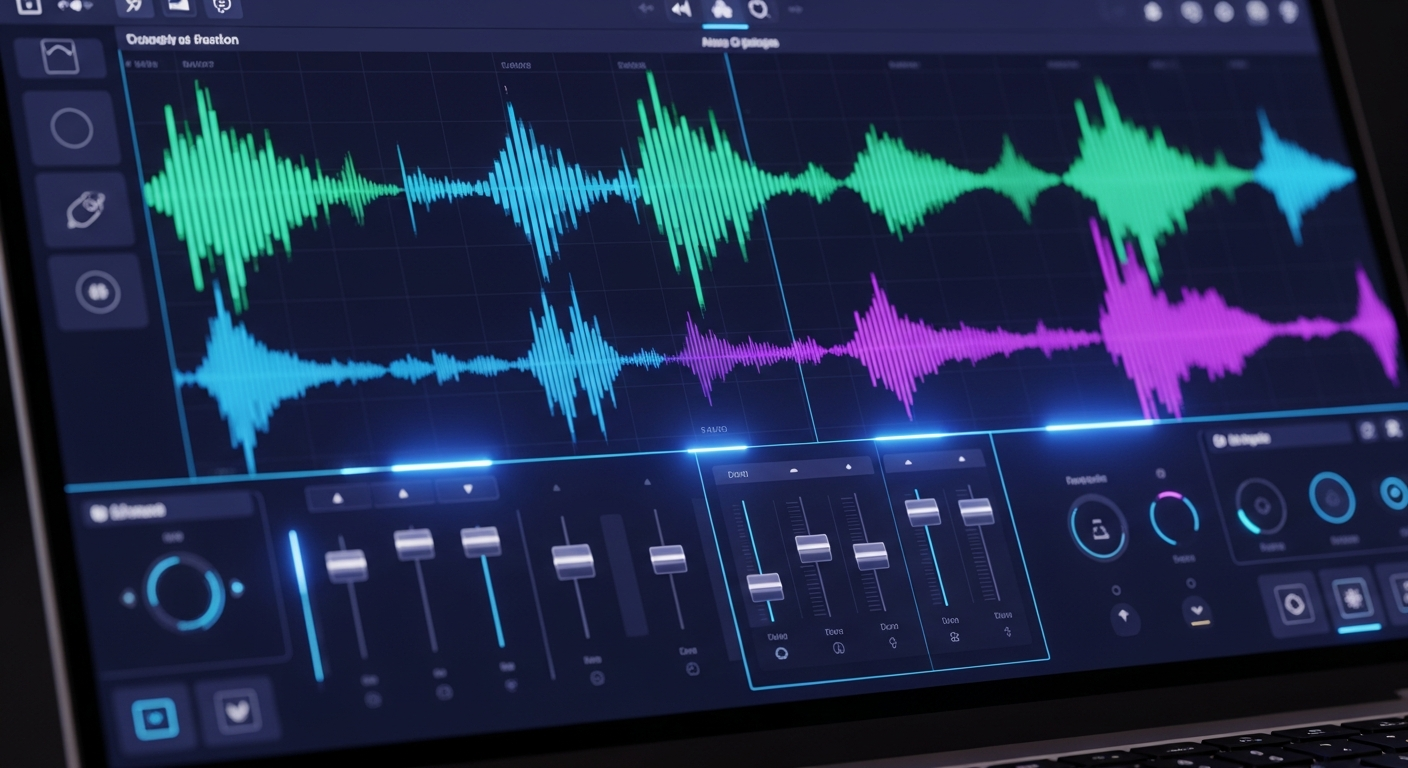
This is where the magic happens — and where AI tools have completely transformed what's possible for beginners. You no longer need to know music theory, play an instrument, or hire a producer to create a compelling melody and beat.
MemoTune's AI Song Maker lets you describe the kind of music you want — genre, mood, tempo, instruments — and generates a full instrumental track within seconds. Want a lo-fi hip-hop beat with melancholic piano? A cinematic orchestral swell? An upbeat acoustic folk track? Just type it in, and MemoTune creates it for you.
Here's a simple workflow using AI:
- Define your genre and mood — e.g., "upbeat pop, happy, 120 BPM"
- Enter your prompt or lyrics into MemoTune's interface
- Generate and preview multiple variations
- Select the version that fits your concept best
- Download the instrumental to use as your backing track
Even if you have basic music skills, using an AI tool as a starting point is incredibly efficient. You can always refine the melody later, but having a solid AI-generated foundation gives you something to react to and build on — which is much easier than starting from silence.
Step 5: Record or Generate Your Vocals
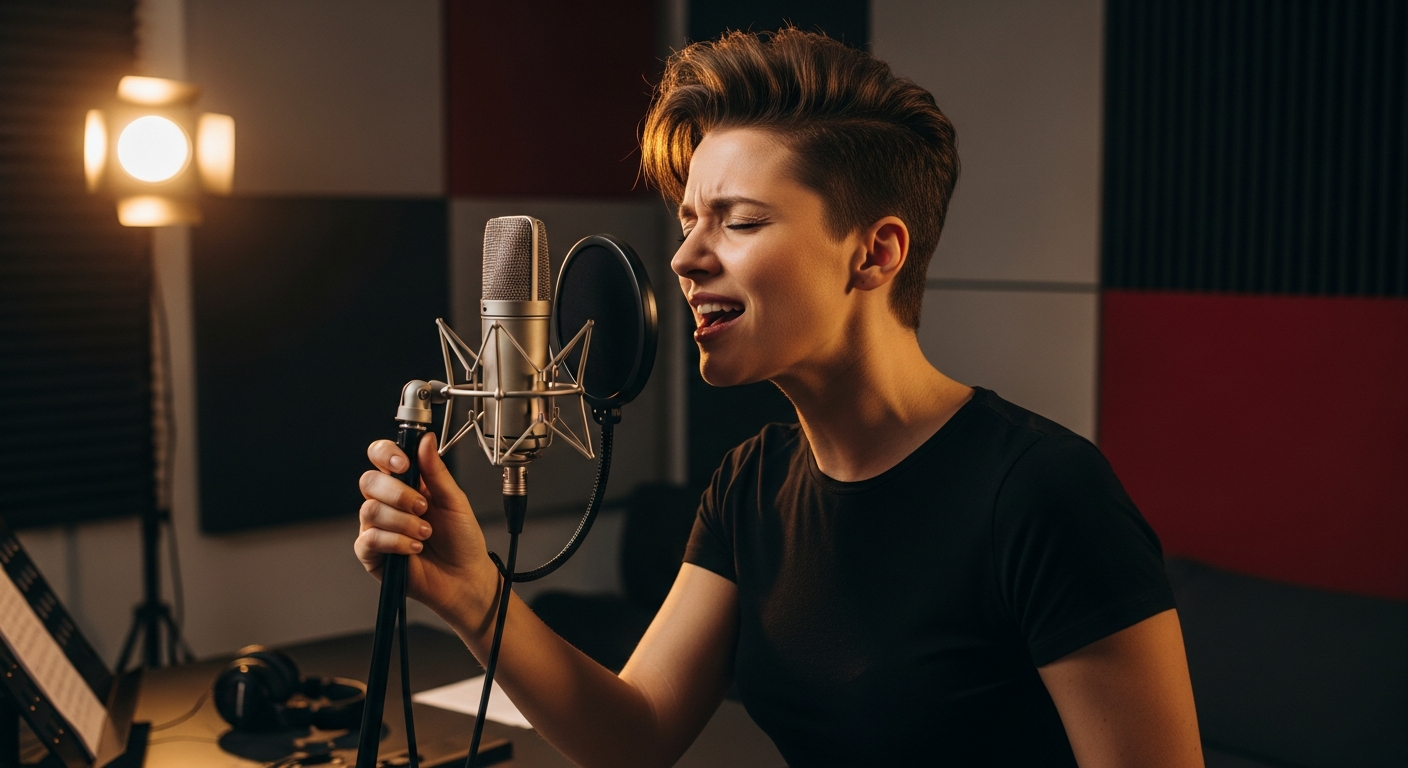
Now that you have a beat and lyrics, it's time to add the voice. You have two main options: record your own vocals or use an AI voice generator.
Recording your own vocals: You don't need a professional setup. A USB microphone (like the Blue Yeti or even Apple EarPods) plugged into your laptop is enough for a demo or even a final release. Find a quiet room, hang blankets on walls to reduce echo, and record multiple takes. Even amateur recordings can sound great with basic EQ and compression applied in post.
Using AI-generated vocals: If singing isn't your thing — or you want a polished AI voice — tools like MemoTune can generate realistic vocal performances from your written lyrics. You can choose from different voice styles, tones, and genders. This is ideal for songwriters who want to demonstrate their composition without recording themselves, or for creators who want a fully AI-produced track.
Whichever route you take, aim for multiple takes. Listen back critically and pick the best performance, or blend the best parts from multiple recordings (called "comping" in professional production).
Step 6: Mix, Master, and Export
Mixing is the process of balancing all the elements — vocals, instruments, effects — so they sound cohesive. Mastering is the final step that makes your track sound polished and consistent at any volume. Together, they're what separates a demo from a release-ready track.
For beginners, here are some practical tips:
- Use a free DAW: GarageBand (Mac/iOS), Audacity (Windows/Mac/Linux), or BandLab (browser-based) are all free and capable enough for most songs
- Set your vocal level first: The voice should sit clearly above the instrumental — usually around -6dB to -3dB in headroom
- Add reverb sparingly: A small amount of reverb makes vocals sound natural; too much sounds muddy
- Use a reference track: Compare your mix to a commercially released song in the same genre
- Export at 44.1kHz / 16-bit WAV: This is the standard format for most streaming platforms
If you generated your song with MemoTune, you can download a fully mixed and mastered version directly — no additional software required. This is a huge advantage for beginners who want a professional result without learning audio engineering.
Step 7: Share Your Song

You've made your song — now it's time to share it with the world. There are more distribution channels available to independent artists today than ever before, and most of them are free or low-cost.
Streaming platforms: Use a music distributor like DistroKid, TuneCore, or RouteNote to upload your song to Spotify, Apple Music, Amazon Music, and YouTube Music simultaneously. DistroKid charges around $22/year for unlimited uploads; RouteNote has a free tier.
Social media:
- Upload short clips (30–60 seconds) to TikTok and Instagram Reels — these platforms favor audio-driven content
- Post the full song on YouTube as a lyric video or visualizer
- Share the behind-the-scenes process on Twitter/X to build an audience
SoundCloud and Bandcamp: Both platforms are free to upload to and are widely used by independent artists and music fans who actively discover new music.
Share your process: Document how you made the song using tools like MemoTune. "I made this song with AI in one afternoon" is a compelling story that resonates with curious audiences and can drive traffic to your music.
Frequently Asked Questions
How long does it take to make a song from scratch?
It depends on your workflow, but a beginner can complete a full song in one to three hours using AI tools. Writing lyrics typically takes 30–60 minutes. Generating a beat with an AI tool like MemoTune takes under a minute. Recording or generating vocals adds another 30–60 minutes. Mixing and exporting can take as little as 15 minutes if you use an AI-generated track.
Can I make a song without any music skills?
Absolutely. You don't need to know how to play an instrument, read sheet music, or understand music theory. Modern AI tools handle melody, harmony, and rhythm generation automatically. Your job is to define the concept, write the lyrics, and make creative decisions. The technology handles the rest. Millions of creators are making original music today with zero formal training.
What's the easiest way to make a song online for free?
The easiest way is to use a free AI song generator. MemoTune lets you create songs directly in your browser by describing what you want. You can type in a mood, genre, and lyrics, then generate a complete track in seconds. No downloads, no setup, no cost to get started. It's the fastest path from idea to finished song.
How do I make a song with AI?
Start by visiting an AI song generator like MemoTune. Enter a description of the song you want — genre, mood, tempo, theme — or paste in your lyrics. The AI generates a complete instrumental or full song based on your input. Preview, adjust, and download when you're happy with the result. The whole process takes less than five minutes.
Do I need expensive equipment to make a song?
No. A smartphone or basic laptop is enough to start. If you're recording vocals, a decent USB microphone costs around $50–$100 and is perfectly adequate for home recording. If you use an AI tool to generate vocals, you don't need a microphone at all. Professional-grade equipment helps at the margins, but it's not a prerequisite for making a good song.
Conclusion
Making a song from scratch has never been more accessible. Whether you're a first-time creator with no musical background or an experienced songwriter looking to speed up your workflow, the tools available today remove almost every traditional barrier.
Here's a quick recap of the process:
- Find your concept — start with an emotion or story
- Choose a structure — use the classic verse-chorus format
- Write your lyrics — be specific, be authentic
- Generate your beat and melody — let AI do the heavy lifting
- Add vocals — record yourself or use AI voice generation
- Mix and master — polish your track for release
- Share it — upload to streaming platforms and social media
The most important step? Just start. Your first song doesn't need to be perfect. It just needs to exist.
Ready to create? Try MemoTune for free — describe your song, generate your music, and share it with the world. No experience required.
Table of Contents
Author

Categories
Tags
More Posts

108 Words to Describe Music: Meanings and Prompt Examples
Find 108 words to describe music, grouped by mood, rhythm, timbre, arrangement, and vocals, with examples you can turn into clearer music prompts.

How to Make a Rap Song: Complete Step-by-Step Guide with Prompts & AI
Learn how to make a complete rap song from scratch — covering subgenres, prompt templates, rhyme structure, beat selection, and AI generation tools.

How to Create Songs Online: Step-by-Step Guide for Beginners (2026)
Learn how to create songs online step by step. This beginner guide covers lyrics, music styles, AI vocals, and free tools to make your first song today.