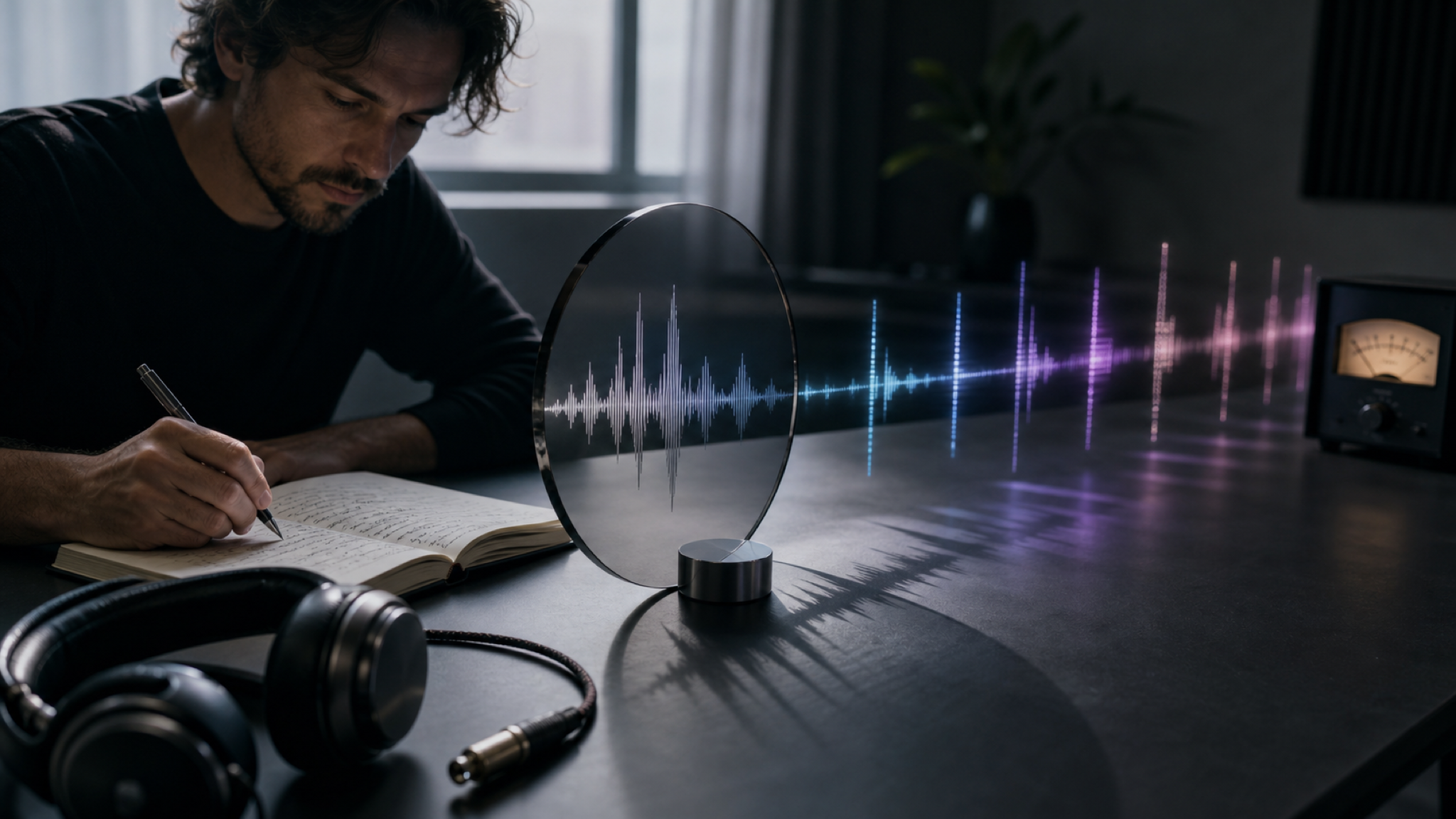
Mood-Aware Music Mapping
MemoTune interprets color, contrast, and scene energy to create a track that feels aligned with the image. Great when you need AI to create sound based on photo vibe for a reel or short video.

Transform photos and artwork into matching soundtracks in minutes. AI reads visual aesthetic, mood, and color to compose original music.
Everything you need in MemoTune to turn a picture into a track you can actually use—without extra software or complicated steps.
MemoTune interprets color, contrast, and scene energy to create a track that feels aligned with the image. Great when you need AI to create sound based on photo vibe for a reel or short video.
Choose genre, mood, and intensity in MemoTune to avoid random results. You get a practical way to guide your images to music output without needing music theory.

Generate multiple options quickly in MemoTune until one matches your visual. This is ideal when you need to add sound to image with AI for different edits or platform versions.
Preview in-browser on MemoTune and download a clean audio file for editing workflows. Use the result as background music, an intro sting, or a loop for prototypes and demos.
Most tools either feel random or require too many steps. MemoTune is built for quick wins: predictable controls, fast iterations, and usable output.
Translate visual moods, colors, and compositions into original music.
Steer musical output with genre, tempo, and mood tags.
Go from image upload to finished track in 2–5 minutes.
Download high-resolution audio files with full commercial rights on Premium.
Choose a photo, illustration, screenshot, or cover art (JPG/PNG/WebP). MemoTune reads the overall mood and visual structure so you can use an image to generate music that fits the scene.
Pick a genre, mood, or intensity (e.g., cinematic, lo-fi, upbeat, ambient). Add a short hint like "nostalgic night city" to steer the result in MemoTune without doing manual music production.
Click generate to create your track from the image in MemoTune. Preview instantly, regenerate if needed, then download and drop it into your video, reel, podcast intro, or game prototype.
Discover more AI-powered tools to enhance your music creation workflow.
Generate personalized song gifts with AI — write your story in lyrics, pick a voice and style, and produce a custom song for any special occasion in seconds.
SceneGenerate custom songs with names, memories, lyrics, vocals, and styles tailored to the person, occasion, and story you want to capture.
Scene
AI-powered ambient song generator that creates immersive soundscapes across dark ambient, space ambient, drone, chillout, nature ambient, and new age subgenres.
Whether you're making content, telling a story, or just experimenting, MemoTune image to music turns visuals into usable sound in minutes.
YouTubers, TikTok creators, and editors use MemoTune image to music to score a thumbnail, keyframe, or poster. It's the fastest way to create background audio that matches the visual tone without hunting stock tracks.
Turn a meaningful photo into a personal track with MemoTune—weddings, birthdays, travel moments, and family portraits. This photo to music flow creates a soundtrack you can share alongside the image as a small digital gift.
Artists and producers use MemoTune picture to song AI to break creative blocks: upload concept art, album artwork, or moodboard images and generate a starting point you can remix into a full composition.

Creators use MemoTune image to music to move faster—less searching, less editing, more publishing.
“I scored a travel reel from a single keyframe on MemoTune. Two regenerations later, I had a track that matched the vibe perfectly.”
Upload a photo on MemoTune, generate a track, and download your result. Low risk: you can preview and regenerate until it fits your vibe.
Formats, workflow, expectations, and common 'is it this other thing?' questions—answered directly.
Image to music analyzes a picture and generates a matching music track. In MemoTune, you upload an image (photo or artwork) and download an audio file you can use as background music, an intro, or a loop depending on your settings.
Upload your image to MemoTune, choose a mood/genre, then click Generate. If the first result isn't right, regenerate with a slightly different vibe (e.g., "more upbeat" or "more cinematic") until it matches your scene.
Yes. Many creators use MemoTune image to music to score a thumbnail, keyframe, or poster—then sync it under footage. If you want to add sound to image with AI, generate a few versions and pick the one that fits your pacing best.
Not exactly. "AI cover music" usually means changing a song's vocals/style into another artist's voice. MemoTune is an image-to-music generator: it creates new music inspired by an image, not a cover of an existing song.
No. Singing-photo tools animate a face and lip-sync to audio. MemoTune Image to Music generates the audio track itself from the picture. If your goal is a singing portrait video, you need a different tool category.
This page focuses on image → music in MemoTune. If you're trying to generate images from music (music to image AI), that's a different model and workflow. Use a dedicated music-to-image tool so you get controls designed for that direction.