
AI Song Maker: Create a Song From Lyrics or Text
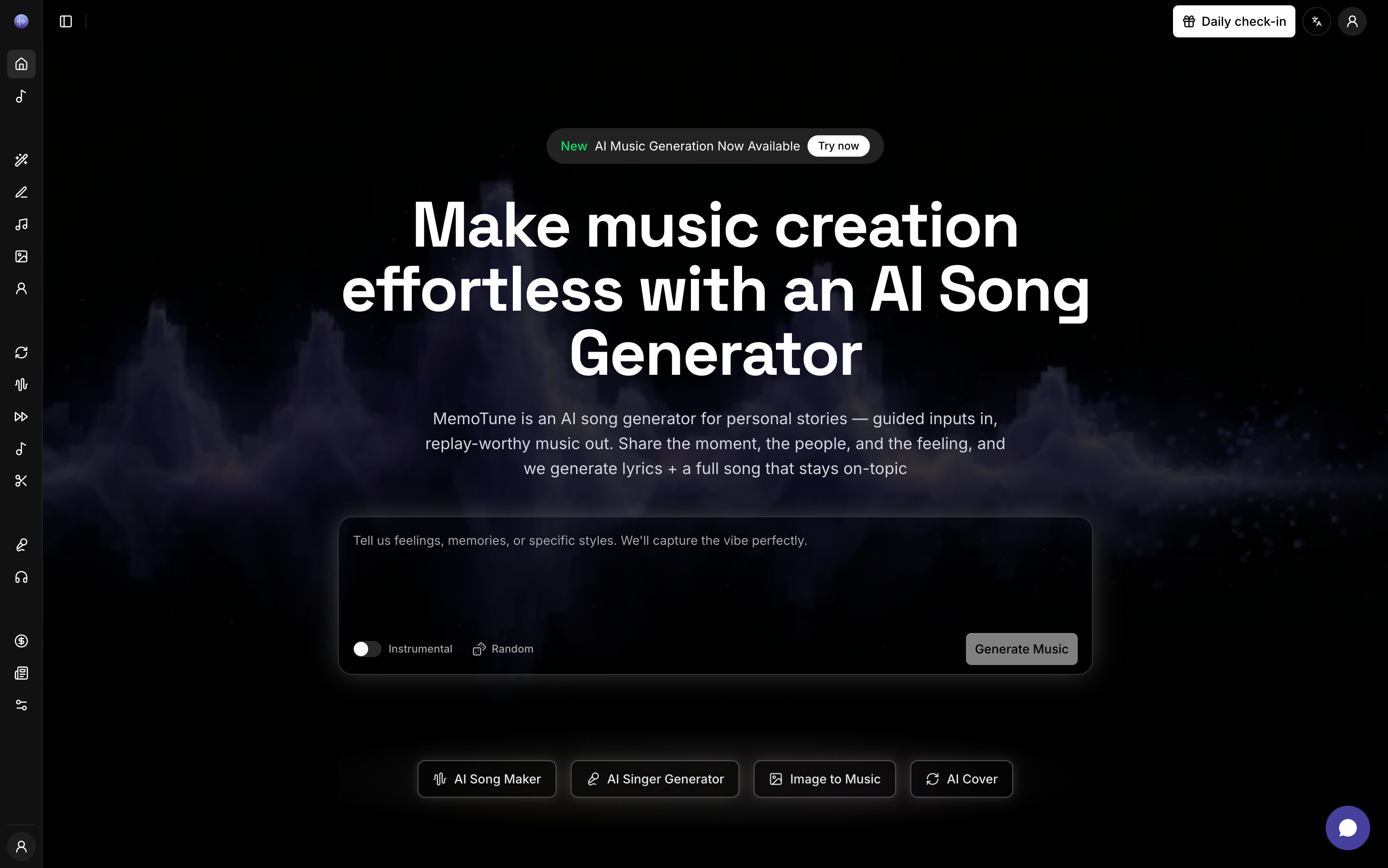
MemoTune AI Song Maker turns a few lines of lyrics or a short prompt into a ready-to-use track—vocals or instrumental. Choose style, mood, and tempo, generate, preview, then download your song for content, demos, or storytelling.
My Generations
Your recent creations and history
Community
Explore trending AI music
What is AI Song Maker?
AI Song Maker is an online tool that generates a music track from your text prompt or lyrics and exports it as audio you can use.

AI Song Maker Use Cases
If you need music fast but still want control over vibe and structure, these are the three most common ways creators use an AI Song Maker.

Short-form videos
Creators use AI Song Maker to generate hooks, background loops, and beat drops for Reels, TikTok, and YouTube Shorts. Type the vibe, pick a tempo, and export a clean MP3 that fits your cut without endless searching.

Games and podcasts
Indie devs and podcasters use AI Song Maker for intro/outro themes, ambient beds, and scene-based cues. Generate instrumental versions for narration clarity, then download WAV for better editing control.

Personal gift songs
Turn a memory into lyrics, then let AI Song Maker produce a full “gift-ready” track for birthdays, weddings, or anniversaries. You can iterate on mood (romantic, funny, nostalgic) until it sounds right for the person.
AI Song Maker Features
MemoTune AI Song Maker focuses on the workflows people actually use: prompt-to-music speed, lyric control, and export you can edit.

What Makes Our AI Song Maker Different?
Most tools sound okay on the first try, then waste your time on the tenth. MemoTune AI Song Maker is designed for fast iteration and practical outputs.
Faster idea-to-audio loop
Compared to manual composing or bouncing between generators, MemoTune AI Song Maker keeps the workflow tight: prompt → settings → preview → export. That speed matters when you’re producing daily content or testing multiple hooks. Less time tweaking, more time publishing.
Clear style control knobs
Many alternatives hide the controls and force you to re-roll results. Our AI Song Maker makes genre, mood, tempo, and instrumentation explicit so you can steer outcomes. That means fewer “almost right” generations and more repeatable results.
Practical export formats
Some tools lock you into one format or low-quality downloads. MemoTune AI Song Maker supports MP3 for speed and WAV for editing workflows. If you’re serious about production, format flexibility is non-negotiable.
Private generation option
Creators often avoid sharing drafts publicly, especially for client work or unreleased tracks. MemoTune AI Song Maker supports private generations so you can iterate without broadcasting every experiment. That’s a real-world need, not a marketing bullet.
Built for content use cases
Competitors often lean into “music theory” claims but ignore where the music is used. This AI Song Maker is tuned for creators: intros, outros, reels loops, game cues, and ads-style jingles. You get usable tracks, not just impressive demos.
Commercial-ready workflow
Instead of vague promises, MemoTune AI Song Maker is structured around typical commercial needs: downloadable files, repeatable settings, and a clear path to licensing/usage details in-product. The practical impact: fewer surprises when you ship content for a client.
How to use AI Song Maker?
Go from idea to a downloadable track in three steps. Most songs generate in a couple minutes depending on length and settings.
Write a prompt
Choose “Text to Song” for a quick description, or paste your lyrics for “Lyrics to Song.” Add a one-line theme (e.g., “wedding vow pop ballad”) so the AI Song Maker locks onto your intent. You’ll see a preview-ready draft once generation finishes.
Pick style settings
Select genre, mood, tempo, and instruments—then decide vocals vs. instrumental. If you’re using lyrics, you can guide structure with tags like [verse] and [chorus] to shape the flow. This is where the AI Song Maker stops guessing and starts matching your taste.
Generate and download
Click generate to create your track, then preview it immediately. If it’s close but not perfect, tweak the style or rewrite one line and generate again. When it hits, download in MP3 or WAV and drop it into your video editor, DAW, or timeline.
Get Started with AI Song Maker for Free!
Type a prompt or paste lyrics, pick a style, and generate your first track in minutes. Low risk: preview before you download, and iterate until it fits.
Frequently Asked Questions
Is this AI Song Maker free to use?
You can start for free and generate songs with basic limits (like daily credits or capped generations). If you need higher limits, faster queues, or advanced options, you can upgrade. Start free, generate one track, then decide if you actually need paid features.
Can I make a song from my own lyrics?
Yes—paste your lyrics into the lyrics mode and select the style settings. If you want a more predictable structure, add simple tags like [verse] and [chorus]. Generate once, listen, then tweak one or two lines and regenerate for faster improvement.
Does the AI Song Maker support instrumental-only tracks?
Yes. Choose instrumental mode when you need background music for narration, product demos, or game ambience. Instrumental outputs are often easier to mix into videos because they leave space for voice and sound effects.
What audio formats can I download?
MemoTune AI Song Maker supports common creator formats like MP3 for quick publishing and WAV for editing workflows. If you’re cutting video fast, MP3 is usually enough; if you plan to EQ, loop, or master, export WAV.
Can I use AI Song Maker songs for commercial projects?
Commercial usage depends on the plan and the license terms shown in-app. If you’re doing client work, check the commercial-use option before generating final assets. When in doubt, generate drafts on free mode, then export finals under the plan that matches your usage.
How do I get better results (less randomness)?
Be specific: include genre + mood + tempo + instruments in the prompt, and keep lyrics clear and consistent in tone. If the first result is off, change only one variable (e.g., tempo or voice) instead of rewriting everything. Iteration beats “prompt roulette.”
What Our Customers Say
These are results people care about: faster production, less searching, and music that actually fits the edit.
Emma Chen
Content CreatorI used the AI Song Maker for YouTube background tracks. Two prompts later, I had a loop that fit my edit perfectly.
Lucas Martin
Indie Game DeveloperThe AI Song Maker saved me days of searching. I generated scene-specific cues and exported WAV for quick tweaks.
Sofia Rodriguez
Podcast ProducerMade a clean intro/outro in minutes. Instrumental mode keeps my voice clear and the energy consistent.
David Kim
Social Media MarketerFor ads-style jingles, it’s shockingly effective. The AI Song Maker lets me iterate fast until it’s catchy.
Emma Chen
Content CreatorI used the AI Song Maker for YouTube background tracks. Two prompts later, I had a loop that fit my edit perfectly.
Lucas Martin
Indie Game DeveloperThe AI Song Maker saved me days of searching. I generated scene-specific cues and exported WAV for quick tweaks.
Sofia Rodriguez
Podcast ProducerMade a clean intro/outro in minutes. Instrumental mode keeps my voice clear and the energy consistent.
David Kim
Social Media MarketerFor ads-style jingles, it’s shockingly effective. The AI Song Maker lets me iterate fast until it’s catchy.
Emma Chen
Content CreatorI used the AI Song Maker for YouTube background tracks. Two prompts later, I had a loop that fit my edit perfectly.
Lucas Martin
Indie Game DeveloperThe AI Song Maker saved me days of searching. I generated scene-specific cues and exported WAV for quick tweaks.
Sofia Rodriguez
Podcast ProducerMade a clean intro/outro in minutes. Instrumental mode keeps my voice clear and the energy consistent.
David Kim
Social Media MarketerFor ads-style jingles, it’s shockingly effective. The AI Song Maker lets me iterate fast until it’s catchy.
Emma Chen
Content CreatorI used the AI Song Maker for YouTube background tracks. Two prompts later, I had a loop that fit my edit perfectly.
Lucas Martin
Indie Game DeveloperThe AI Song Maker saved me days of searching. I generated scene-specific cues and exported WAV for quick tweaks.
Sofia Rodriguez
Podcast ProducerMade a clean intro/outro in minutes. Instrumental mode keeps my voice clear and the energy consistent.
David Kim
Social Media MarketerFor ads-style jingles, it’s shockingly effective. The AI Song Maker lets me iterate fast until it’s catchy.