1. Choose a techno direction
Select a subgenre such as Detroit, minimal, acid or dub techno. Add drum and bass tags that describe the groove you want.
Turn a warehouse groove, an acid bassline or a deep dub atmosphere into instrumental music. Choose techno style tags, describe your sound and generate a track for creative demos, gaming edits or personal listening. Start with free credits; generation uses credits.
A text-to-music tool for creating instrumental techno with a clear sonic direction.
Use these directions as starting points, then refine the sound with production tags.
Detroit techno is the foundation from which many later techno styles developed. Its early pioneers connected machine rhythm with funk, electronic experimentation and visions of the future. A useful prompt can combine crisp drum-machine percussion, syncopated bass, expressive synth chords and a steady dance pulse. Ask for warmth or a reflective atmosphere when you want more than a harsh warehouse sound. In MemoTune, begin with the Detroit Techno tag, then add a few drum and synth descriptions to explore this direction without requesting a copy of a specific artist or recording.
Minimal techno makes a limited set of sounds do substantial work. Associated with pioneers such as Robert Hood and Daniel Bell, the approach emphasizes repetition, space and subtle rhythmic development. The interest may come from a changing hat pattern, a small bass variation or a single filtered tone. Try describing a dry kick, sparse percussion, short synth stabs and a restrained arrangement. Avoid filling the same prompt with dense orchestration or constant dramatic drops if you want the stripped-back character to remain clear throughout the generated instrumental.
Acid techno places the squelching, resonant character of a TB-303-style sequence within a driving techno setting. It shares historical connections with acid house, while many acid techno records favor a faster, darker or more forceful approach. Filter movement, repeating bass notes and crisp drum-machine rhythms are useful descriptive ingredients. Start with the Acid Techno tag and add a resonant acid bassline, tight hats and a gradual build. Describe how intense you want the sequence to feel, keeping the rest of the prompt focused so the signature bass character has room.
Dub techno combines techno rhythm with the echo, depth and processing associated with dub. Basic Channel, formed by Moritz von Oswald and Mark Ernestus, is a central reference in the style’s development. Repeating chords can feel distant or submerged, while bass and percussion hold a steady pulse beneath layers of delay. For a starting prompt, choose Dub Techno, soft chord stabs, tape-delay echoes, warm sub-bass and a spacious atmosphere. Request gradual movement and restrained drums when you want an immersive listening piece instead of an aggressive peak-time track.
Industrial techno draws on the noise, distortion and abrasive textures of industrial music alongside techno’s rhythmic foundation. Its identity can come from metallic percussion, dissonant synth tones and a rough mechanical atmosphere rather than speed alone. A prompt might describe a heavy kick, clanging hits, dark drones and a controlled amount of distortion. Use the Industrial Techno tag with a few texture choices, then specify whether you want a sparse, ominous arrangement or a denser driving one. Listen for how those elements balance before adjusting the next version.
Hard techno pushes intensity through forceful kicks, insistent percussion and often faster tempos. The label covers varied scenes and production approaches, so a speed number alone will not describe the whole sound. Tell the generator whether you want distorted drums, a rolling low end, sharp rave stabs or a darker atmosphere. Start with Hard Techno and a clear energy description, then add a target BPM as guidance. Keep melodic and atmospheric instructions selective if rhythmic impact is the priority, and check the resulting tempo before using the track in a tightly timed edit.
Explore a sound with a specific listening context in mind.
Try a rhythmic or textural idea before developing it in your own production workflow. Compare minimal, acid and dub directions to decide which approach fits your project.
Describe a tense mechanical pulse for a sci-fi scene or a driving beat for a gameplay montage. Preview the music against your edit and check licensing before publishing.
Create a steady groove for a personal workout playlist or a spacious late-night listening session. Describe the energy you want without needing to program a drum machine.
Select a subgenre such as Detroit, minimal, acid or dub techno. Add drum and bass tags that describe the groove you want.
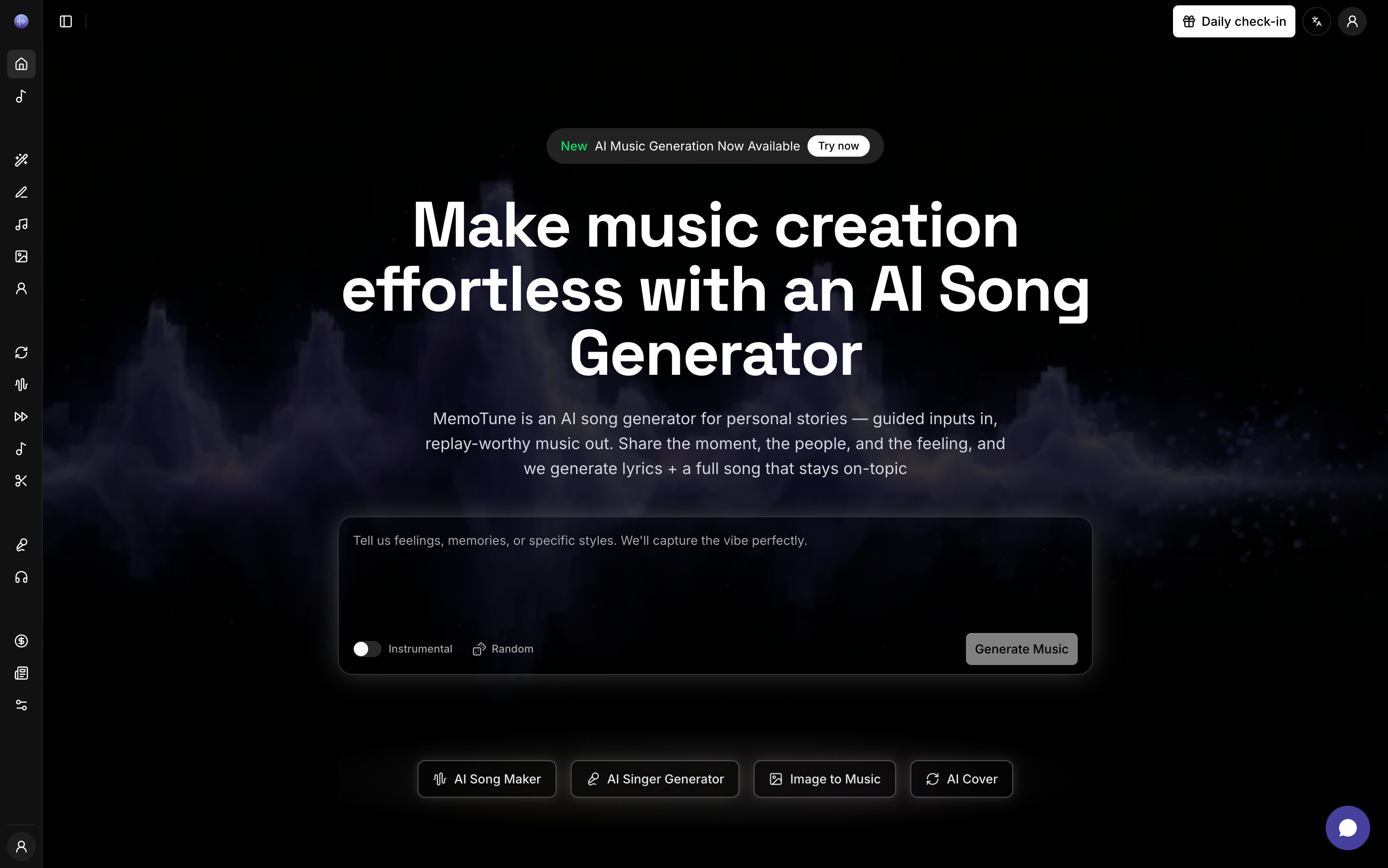
Write your desired tempo, synth sound, mood and arrangement in the style field. Treat these as musical guidance, then keep the prompt focused on a few compatible ideas.
Generate your instrumental track with the credits shown in the form. Preview the result, adjust your description for another version and use the available download options.
Use musical descriptions and curated tags to guide the result.
Start with Detroit, minimal, acid, dub, industrial, hard, melodic or hypnotic techno. Combine a direction with a small set of complementary sound tags.
Start with Detroit, minimal, acid, dub, industrial, hard, melodic or hypnotic techno. Combine a direction with a small set of complementary sound tags.
Describe four-on-the-floor kicks, shuffled hats, syncopated percussion, rolling bass or a resonant acid sequence. Tags insert musical ideas into your style prompt.
Describe four-on-the-floor kicks, shuffled hats, syncopated percussion, rolling bass or a resonant acid sequence. Tags insert musical ideas into your style prompt.
Request dub chord echoes, metallic synths, evolving pads or restrained melodies. Add a tempo target and mood in text, then listen to how the generated track interprets them.
Move directly from a sound description to music. The techno form creates instrumentals without a lyrics panel, keeping the focus on rhythm, atmosphere and arrangement.
A practical starting point for turning a sound idea into something you can hear.
Curated subgenre and production tags help you describe the sound instead of starting with an empty prompt.
Use the browser-based generator to explore a musical idea without connecting hardware or programming a sequencer.
The instrumental workflow suits techno ideas built around drums, bass and evolving textures.
Change one part of your description and generate another version to explore a different direction. Each generation uses credits.
Compare techno with the EDM, house and ambient generators to find the balance of groove, melody and atmosphere you want.
Start with available free credits. Review the current plan and licensing terms before using downloads in ads, client work or other commercial projects.
Choose a groove, describe the atmosphere and hear your idea take shape. Free credits are available to get started.
Use these related tools, styles, and scenes to put the ideas in this guide into practice.

AI-powered electronic dance song generator that creates professional EDM tracks from text prompts.

AI-powered house song generator that creates club-ready tracks from text prompts.

AI-powered ambient song generator that creates immersive soundscapes across dark ambient, space ambient, drone, chillout, nature ambient, and new age subgenres.
Continue with practical guides that closely match this page.
Credits, styles, prompts and usage explained.
You can start with the free credits available to your account. Generating music uses credits, and the form shows the current cost. Check the pricing page for additional credits and plan details.
The tags cover Detroit, minimal, acid, dub, industrial, hard, melodic and hypnotic techno. You can also write your own description or combine a subgenre with drum, bass, texture and mood tags.
You can write a target BPM or key in your style description. These are generation instructions, not exact parameter controls. Listen to the output and measure its tempo or key in your audio software if your project requires precise values.
This page uses a one-step instrumental workflow without lyrics or vocal controls. For a track with lyrics and vocals, use the AI Song Maker or explore the house generator’s custom mode.
EDM is a broad term for electronic dance music. Techno often emphasizes repeating machine rhythms and evolving textures; house often foregrounds groove, chords and vocal influences. Their boundaries overlap, so compare the dedicated pages to find the direction you want.
Commercial use depends on the plan and terms covering your track. Review the current licensing conditions before publishing in monetized videos, advertising, games or client projects. Free credits alone do not imply a commercial license.
Your recent creations and history